Sensor evidence / Multimodal capacitive fingertips
Robotiq TSF-85 Tactile Sensor: Specs, Use Cases, and SDK
Review Robotiq TSF-85 published specifications, pressure and vibration rates, gripper compatibility, C++ SDK, Python viewer and integration limits.
Published | Updated by RoboSkin.ai Editorial Team
- 5
- sections
- 4
- questions
- 3
- next routes
Short answer
What you need to know
- 1
The TSF-85 is a Robotiq fingertip sensor with pressure, vibration and inertial observations. This is a review of first-party documentation, not a hands-on performance test.
- 2
Keep transport and modality rates separate: the official SDK describes a 1 kHz USB data stream per finger, with the 28-element pressure array refreshed at 60 Hz. A 1 kHz stream is not a 1 kHz pressure map.
- 3
Start with the official acquisition tools, verify compatibility for the exact gripper revision, and evaluate the measured signals before designing feedback control. RoboSkin.ai has not connected or bench-tested this hardware.
Topic 01
What is the Robotiq TSF-85?
Robotiq positions the TSF-85 as a replacement fingertip that brings local contact sensing to its adaptive grippers. The sensor describes contact at the fingers; it should not be treated as a wrist force-torque transducer.
Compatibility needs revision-level checking. The current product page lists the 2F-85 and 2F-140. The reviewed user guide explicitly supports the 2F-85 V4, marks earlier 2F-85 versions incompatible and directs 2F-140 users to contact Robotiq. Confirm the kit and gripper combination before acquisition.
Topic 02
Key specifications
Published values below describe the manufacturer documentation reviewed on October 16, 2026. They are not independent measurements. Undisclosed or unresolved fields are left explicit.
| Property | Published specification | Source and scope |
|---|---|---|
| Pressure array | 28 taxels per finger, 4 columns × 7 rows | Official SDK and user guide; spatial array, not 28 force axes |
| Pressure refresh | 60 Hz | SDK README; separate from USB transport rate |
| Dynamic signal refresh | 1000 Hz | User guide, section 3.3.2; raw dynamic signal |
| Inertial sensing | Accelerometer, gyroscope and magnetometer | Official SDK README; confirm channel interpretation for the firmware used |
| Data interface | USB; 1 kHz per-finger data stream | Official SDK README; individual modalities can update more slowly |
| Fingertip dimensions | 28.4 mm width; 44 mm height; 10.9 mm thickness | User guide, section 3.1; height measured from mounting surface |
| Operating temperature | 0–40 °C | User guide, section 1.4.2; also follow the stricter gripper limits |
| Dynamic signal resolution | Not publicly disclosed as a final value | User guide, section 3.3.2, lists TBD |
| Public list price | Not publicly disclosed on the reviewed product page | Robotiq provides a request-a-quote route |
Topic 03
Sensing principle and data interface
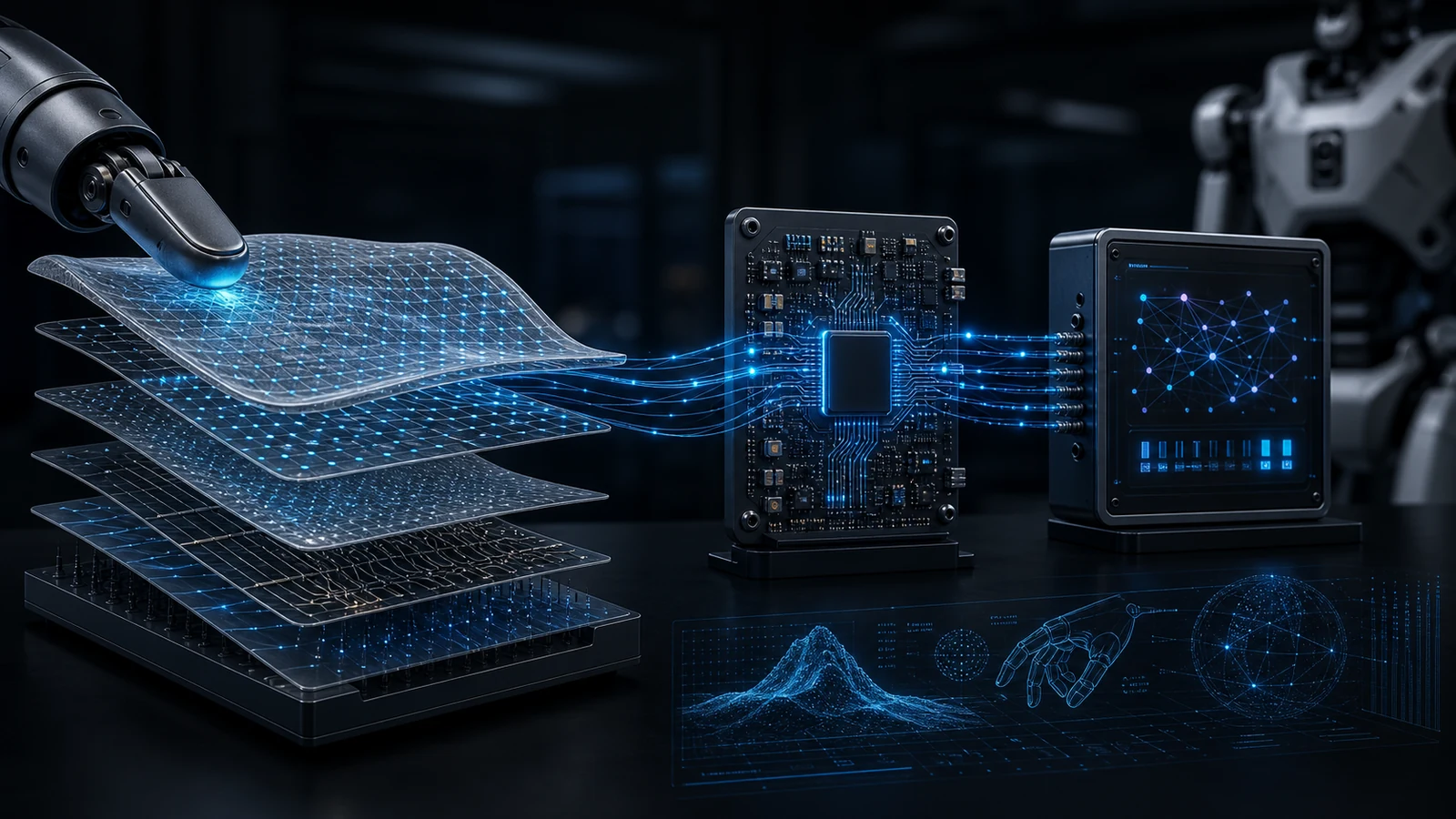
Robotiq describes a capacitive sensing design for the fingertip. Contact changes the response of the compliant dielectric structure; the static and dynamic channels serve different measurement roles. The IMU adds inertial observations rather than a second pressure map.
For your data contract, retain finger identity, taxel ordering, units, firmware version and acquisition timestamps. Keep raw values separate from calibrated force or a learned slip label. This is an integration recommendation, not a claim that every derived quantity is supplied by the SDK.
Topic 04
SDK and integration
The official tactile_sensors repository contains a C++ SDK, Python quick-connect tools and a browser-based viewer. The C++ interface uses threaded callbacks; the viewer displays tactile heatmaps, dynamic-signal FFT and IMU plots. Review here is pinned to commit 172a7c8, dated October 14, 2026, rather than a relative update age.
Suggested evaluation sequence: establish connectivity with the quickstart, inspect unloaded and loaded traces, then log synchronized robot state and sensor data. Measure packet loss and data age before connecting the stream to a controller. The viewer is a useful acquisition check, not validation of a grasp policy.
The repository uses BSD-3-Clause for the SDK and most tools; its standalone firmware-flashing tool has a GPL-3.0 exception. Check the relevant file and dependencies when reusing code.
Topic 05
Typical use cases and limitations
Robotiq lists grasp-quality assessment, slip monitoring, object localization and tactile recognition as application directions. Treat these as development targets: reliable performance requires a defined object set, processing method and controller evaluation.
The user guide states that fingertip signals are not integrated into the gripper internal controller and that high-frequency gripper control based on tactile feedback is not possible. External acquisition and application-specific software are required. Sensor refresh rates therefore do not establish gripper control bandwidth.
Plan a repeatable evaluation with unloaded baselines, repeated contacts and held-out objects. Document failure cases, surface wear and the effect of a replacement fingertip. Neither manufacturer application examples nor this documentary profile establish performance in your installation.
Common questions
FAQ for this topic
What does the TSF-85 measure?
Its documented channels include a pressure array, dynamic tactile signal and IMU readings. Derived object identity, slip decisions or calibrated contact forces require appropriate interpretation and validation.
How is it different from Robotiq force-torque sensors?
TSF-85 senses at the contact fingertips. A wrist force-torque sensor measures the resultant load transmitted through the tool interface. These observations serve different control questions and can complement each other.
What SDKs are available for the TSF-85?
The reviewed official repository provides a C++ SDK, Python connection tools and a web viewer. Use its version-specific instructions; this profile does not claim a tested hardware integration.
What are the known integration limitations?
Check gripper revision compatibility, calibration and application software requirements. The documented high sensor data rate does not imply a matching closed-loop gripper control rate.