Technology

What is tactile sensing in robotics?

Tactile sensing lets a robot measure physical contact through signals such as pressure, deformation, vibration or changes in an optical image. The available measurements depend on the sensor and its calibration.

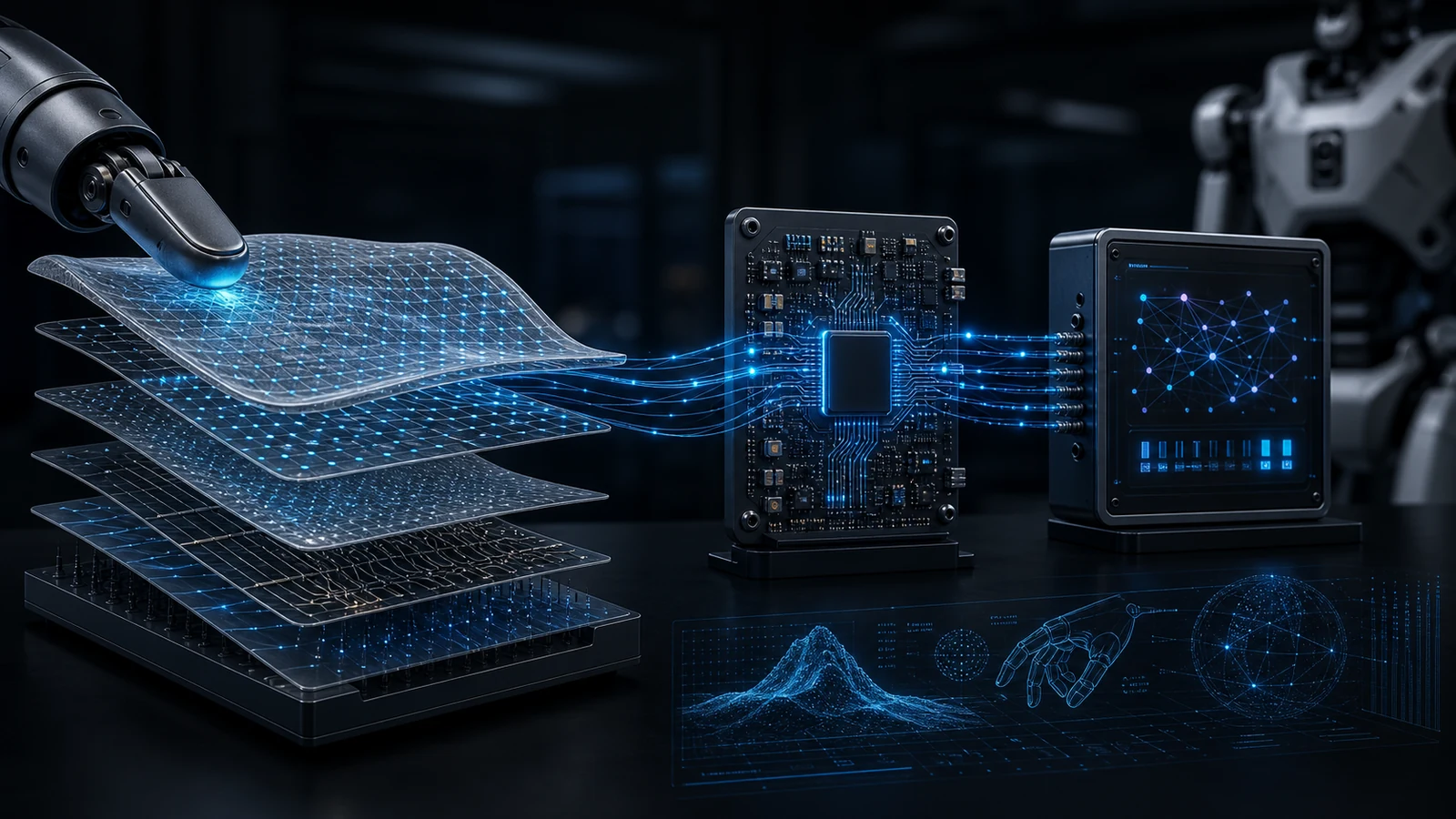
Layered tactile sensor surface sending signals through processing boards and robot-ready data views.
Technology visual showing tactile sensing layers and signal flow.

How tactile sensing works

Contact changes a sensing surface or element. Electronics or a camera capture that change; processing converts it into a usable observation. A controller can then use the observation to adjust a grasp or investigate an unexpected contact.

A tactile sensor supplies observations. Robot skin distributes sensing over a surface. Tactile AI uses learned models to interpret touch or support decisions. None of these labels alone establishes calibrated force, reliable slip detection or better task performance.

For example, an optical fingertip can record how a gel deforms during a grasp. Estimating force from those images needs calibration or a model; evaluating slip recovery also needs a controller and task-level tests.

Source example: the original DIGIT paper. This introduction summarizes sensing concepts; RoboSkin.ai has not performed a hardware comparison for this page.

Layer

Sensing layer

Flexible tactile elements capture contact, pressure, and interaction events.

  • Define the sensing layout around the robot contact surface and expected interactions.
  • Prioritize repeatability and mounting practicality over demo-only geometries.
  • Route uncertain claims into source-backed research context instead of public promises.

Layer

Signal and processing layer

Local processing turns raw sensor output into cleaner robot-ready data.

  • Clarify sampling, latency constraints, and where processing should live in your stack.
  • Document what "robot-ready" signals mean for your controller and telemetry pipeline.
  • Use source-backed information context when describing platform-specific interfaces.

Layer

Materials and form factor layer

Mechanical design supports curved surfaces and application-driven layouts.

  • Map curvature, attachment methods, and packaging constraints early.
  • Treat durability expectations as application-specific and supported by explicit source context.
  • Use source-backed validation context before research, brand, or category planning.

Layer

Integration layer

The site is organized around robotics workflows, research and category context.

  • Start with terminology and application context before making technical claims.
  • Keep the public story narrow; expand details only when sources support them.
  • Align category pages with research routes, glossary definitions, and source suggestion context.
Data flow

From contact surface to robot-ready signal concepts

Read robot hand tactile sensor research ->

Step 1

Contact surface

Flexible tactile elements sit on the robot hand, gripper, arm, or curved body surface.

Local pressure, shear, slip, temperature, or contact-event signals depending on configuration.

Step 2

Signal conditioning

Electronics and firmware clean raw readings, align timestamps, and preserve calibration metadata.

Robot-ready tactile frames, event streams, or reduced contact features.

Step 3

Robot middleware

The integration layer maps tactile data into the team pipeline, including ROS 2, replay, logging, and controller interfaces when applicable.

Documented topics, coordinate frames, QoS expectations, and debug workflow.

Step 4

Controller or analytics loop

The robot stack uses tactile features for grip confidence, slip response, contact-aware motion, or evaluation analytics.

Task-specific criteria for research interpretation, category framing, or source review.
Physical AI contact layer

Robot skin as the tactile input for Physical AI

For Physical AI systems, robot skin is the contact layer. It helps expose touch, pressure, shear, slip, and timing signals that vision alone cannot measure during interaction.

Open the Physical AI tactile contact layer ->

Fit criteria

What must be validated before making claims

Geometry fit

Target surface area, curvature, attachment method, cable routing, and serviceability shape the relevant category or content route.

Signal fit

Teams should define whether they need pressure maps, shear, slip events, temperature, force/torque context, or lower-bandwidth contact events.

Software fit

Useful research context defines message formats, timestamps, coordinate frames, logging, replay, and calibration handling before planning claims.

Validation fit

Durability, latency, sensitivity, drift, and environmental claims should be measured against the exact robot and use case.

Need source-backed robot skin context?

Use the research and glossary routes for terminology, or send a research inquiry if RoboSkin.ai fits your project.