Learning paths

Learn tactile sensing: from robot skin to working data

Submit source ->

Choose a starting point based on what you need to do: understand contact sensing, shortlist hardware, or process sensor data. Each path leads to practical guides and their primary sources.

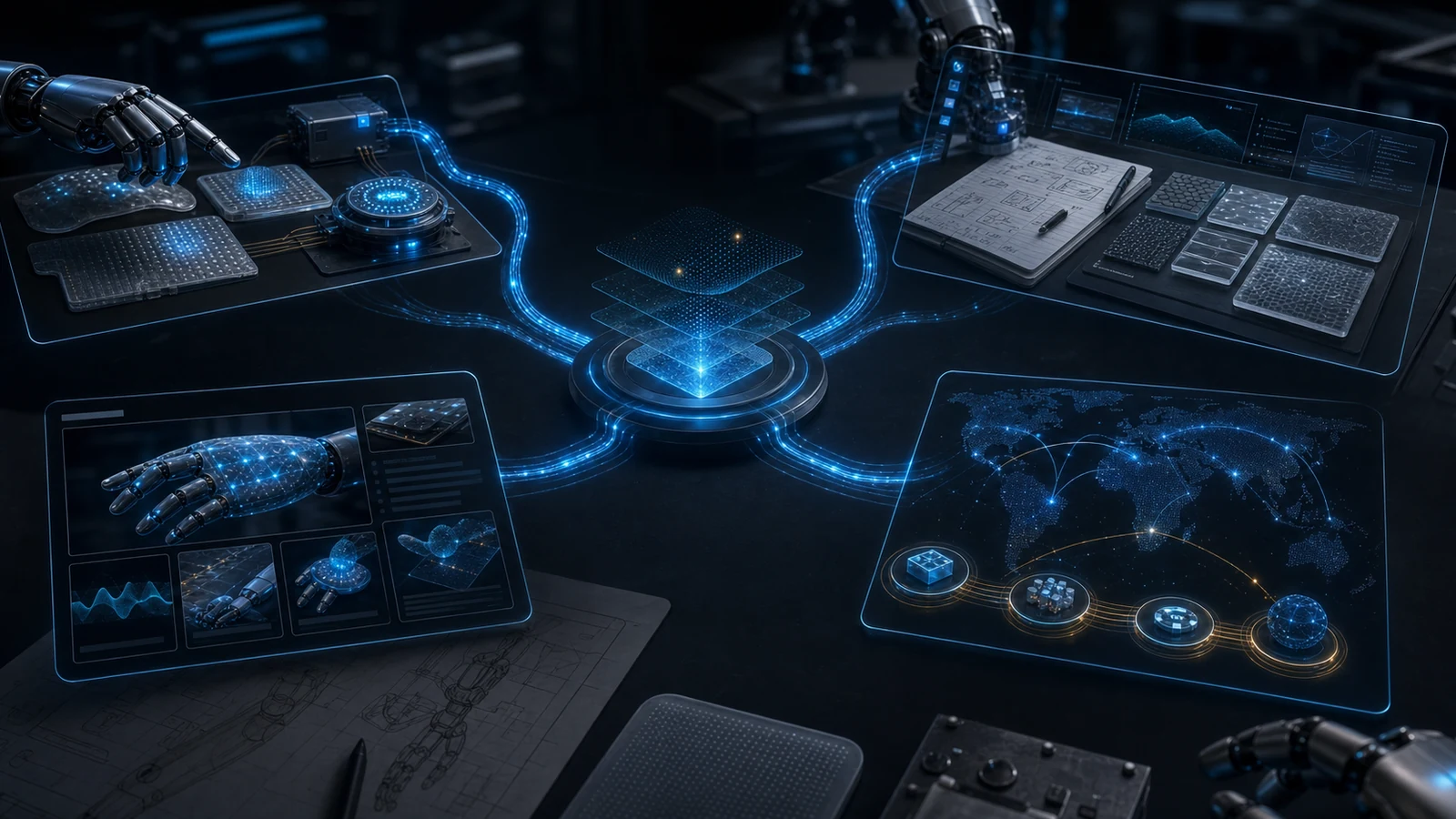
Technical workbench showing RoboSkin.ai guide routes connected to robot skin, tactile AI, and research context.
Guide-route visual for RoboSkin.ai research and category routes.

Learning path

Understand what the robot needs to sense

Start with the difference between a sensing element and an integrated robot surface. Identify the contact location, measured signal, and action the robot should take.

Start here if: Readers choosing between contact detection, a tactile fingertip, and a distributed skin

Inputs and outputs: A task description becomes a list of required contact signals and coverage areas.

Decision note

A reported sensing capability must be checked for the specific sensor and mounting arrangement.

  • Contact events
  • Pressure and force measurements
  • Surface coverage
  • Robot skin and e-skin terminology

Evaluation criteria

  • Where can contact happen?
  • Is a binary event enough?
  • Does the task need contact location or a spatial map?
  • What response will use the signal?

A reported sensing capability must be checked for the specific sensor and mounting arrangement.

Learning path

Compare sensor hardware and evidence

Compare optical, magnetic, resistive, and other sensing systems using their documented outputs, geometry, calibration requirements, and task evidence.

Start here if: Engineers shortlisting tactile sensors for hands, grippers, or soft surfaces

Inputs and outputs: A sensing requirement becomes a shortlist with documented constraints and primary sources.

Decision note

The sensor directory links to research and manufacturer documentation; it is not a stock or purchasing catalog.

  • DIGIT and GelSight Mini
  • ReSkin magnetic sensing
  • Raw data versus derived estimates
  • Mounting and calibration

Evaluation criteria

  • What does the hardware measure directly?
  • Which values require a learned model?
  • Are code and calibration procedures available?
  • Was the claimed result measured on a comparable task?

The sensor directory links to research and manufacturer documentation; it is not a stock or purchasing catalog.

Learning path

Build a tactile data and evaluation workflow

Follow the Python and ROS 2 exercises to inspect samples, preserve timestamps and units, replay observations, and define an evaluation before connecting a controller.

Start here if: Developers moving from a sensor stream to recorded data and robot feedback

Inputs and outputs: Recorded or synthetic observations become plots, replayable messages, and an explicit validation plan.

Decision note

Tutorial exercises use documented examples and synthetic data; running them does not establish hardware performance.

  • Python CSV inspection
  • ROS 2 messages and replay
  • Calibration records
  • Task-level evaluation

Evaluation criteria

  • Are time, units, and coordinate frames explicit?
  • Can invalid samples be identified?
  • Can the sequence be replayed?
  • Does evaluation measure object outcomes as well as prediction accuracy?

Tutorial exercises use documented examples and synthetic data; running them does not establish hardware performance.